Overview
The eLux Image Administration Service (ELIAS) allows you to easily manage the firmware of devices running UniconOS.
New InstalLation Preparation
System Requirements
| Component | Requirement |
|---|---|
| Hard disk space | 30 GB minimum (+5 GB per eLux release/container) |
| RAM | 8 GB minimum |
| Operating system | Windows Server 2019 or later, 64-bit |
| Web server | IIS 8.0+ with WebSocket protocol enabled |
| Database | MongoDB 6, 7, or 8 (fresh installs default to 7) |
| Browser (client) | Firefox 136+, Chrome 137+, or Edge 127+, Full HD resolution |
Installation
ELIAS can be download from the Citrix download pages.
https://www.citrix.com/downloads/Elux-Download-Pages/Scout-Elias/Elias.html
1. Right-click EliasInstaller.exe and select Run as administrator.
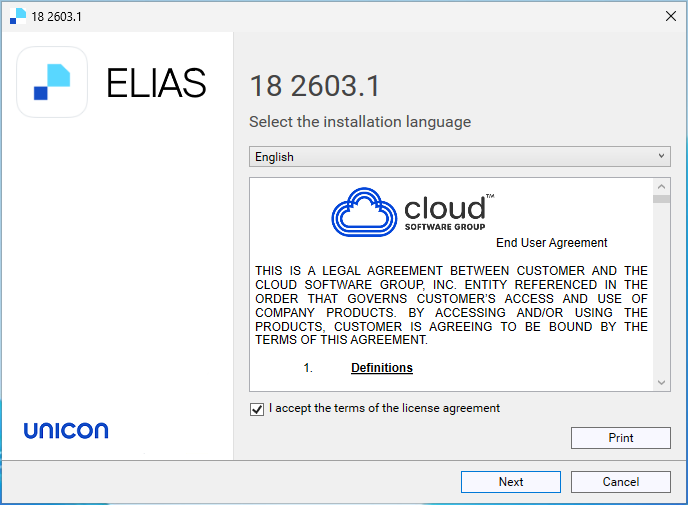
2. On the License Agreement page, read the terms, select I accept the terms in the License Agreement, and click Next.
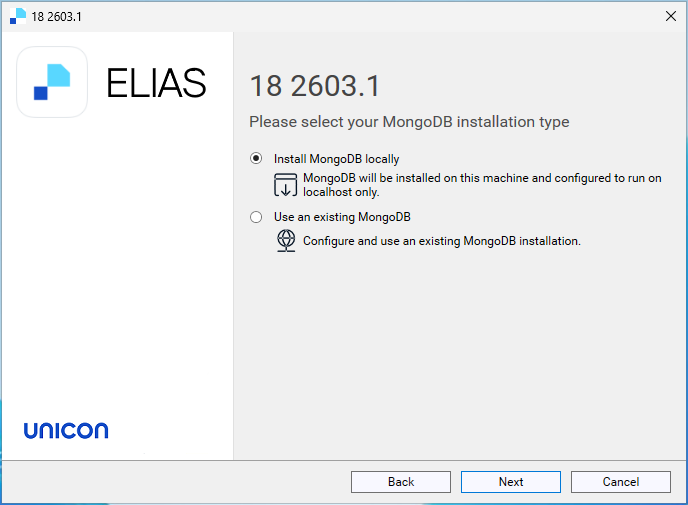
3. On the MongoDB page, choose Install MongoDB locally. Click Next.
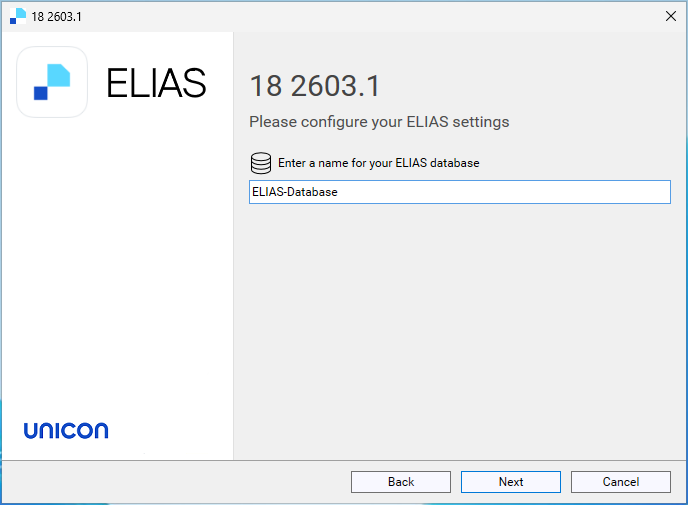
4. Choose the name of the ELIAS Database. Click Next.
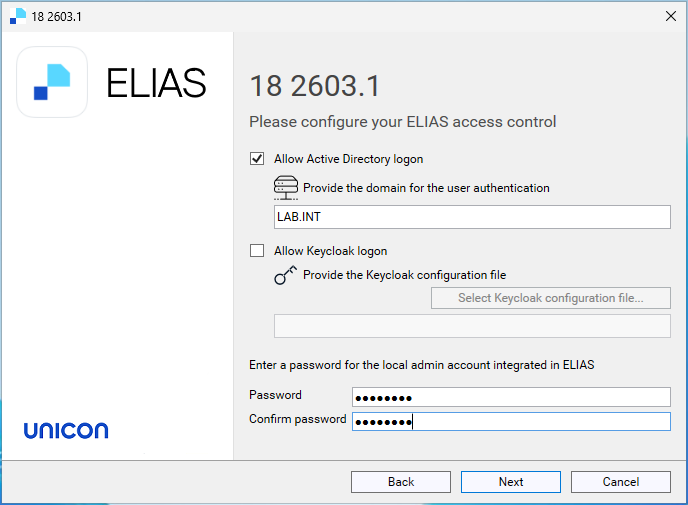
5. On the ELIAS access control screen, choose Allow Active Directory logon and type a password for ELIAS local admin account. Click Next.
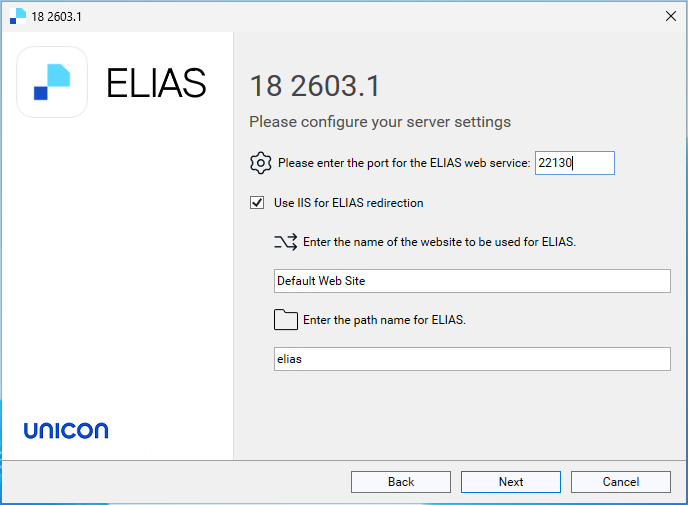
6. Leave the defaults for server settings. Click Next.
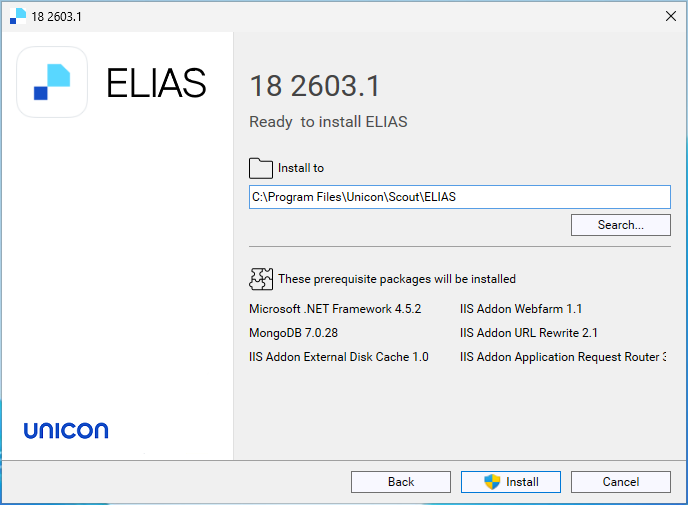
7. Choose the install location. Click Install.